Digital printing turns press-ready image data into printed pieces without conventional printing plates. Here is how the workflow affects cost, revisions, personalization, proofing, and the finished job.
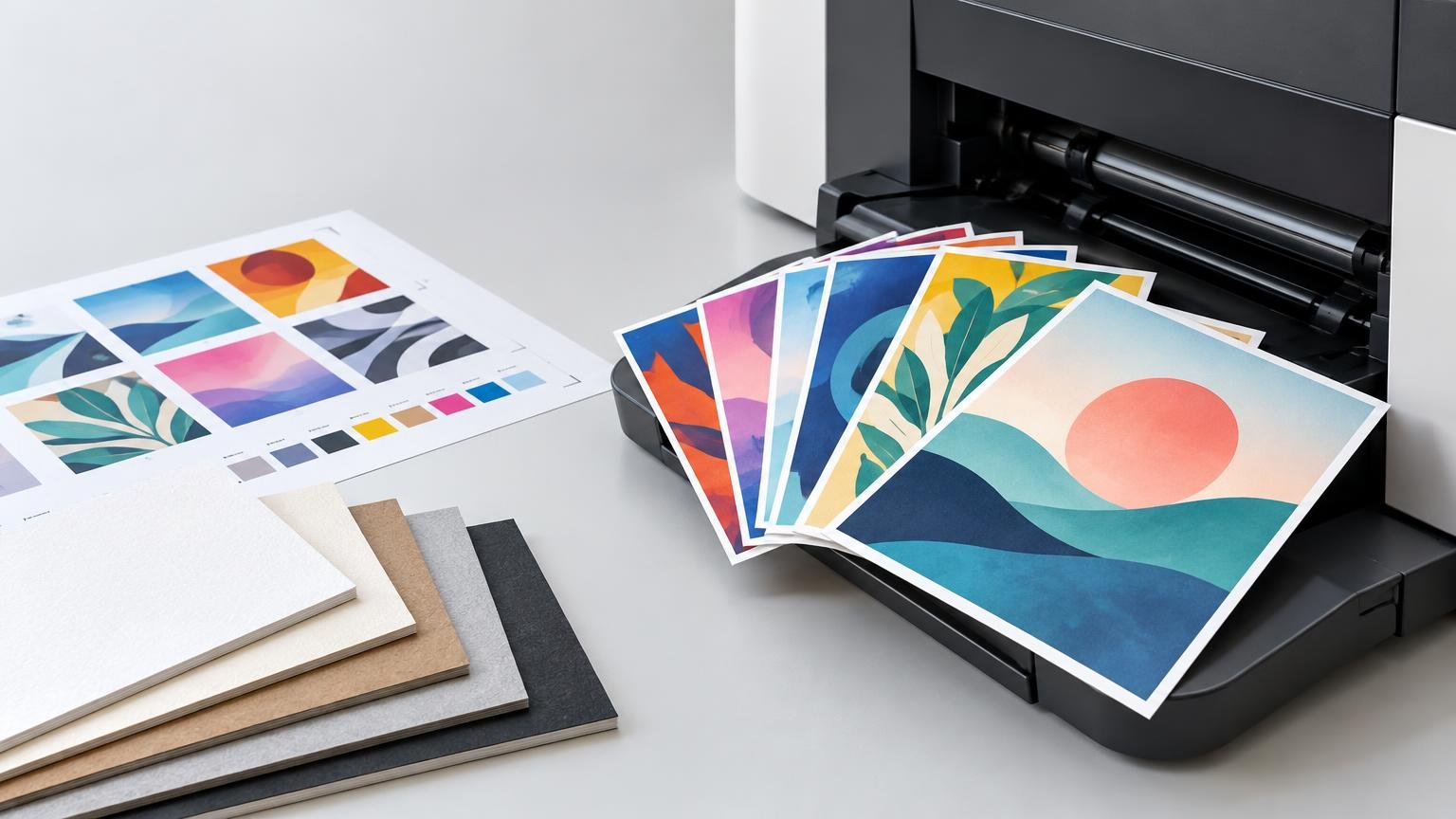

Digital printing turns press-ready image data into printed pieces without conventional printing plates. Here is how the workflow affects cost, revisions, personalization, proofing, and the finished job.
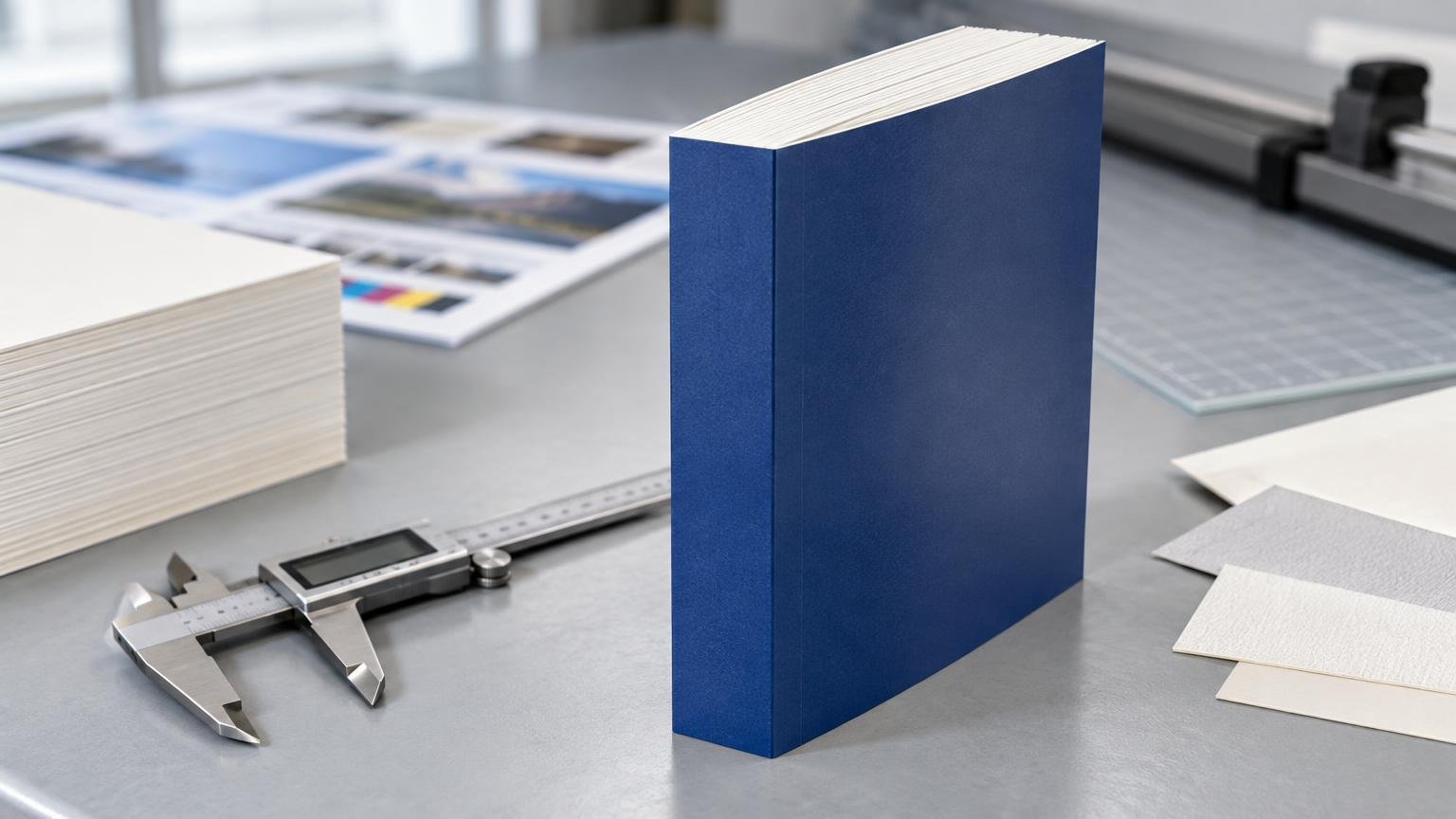
Estimate a perfect-bound book spine from the final page count and interior-paper caliper, understand when that formula does not apply, and avoid costly cover-file errors.

A practical guide to placing postcards, inserts, cards, stickers, labels, and other printed touchpoints within a measurable small-business marketing campaign.
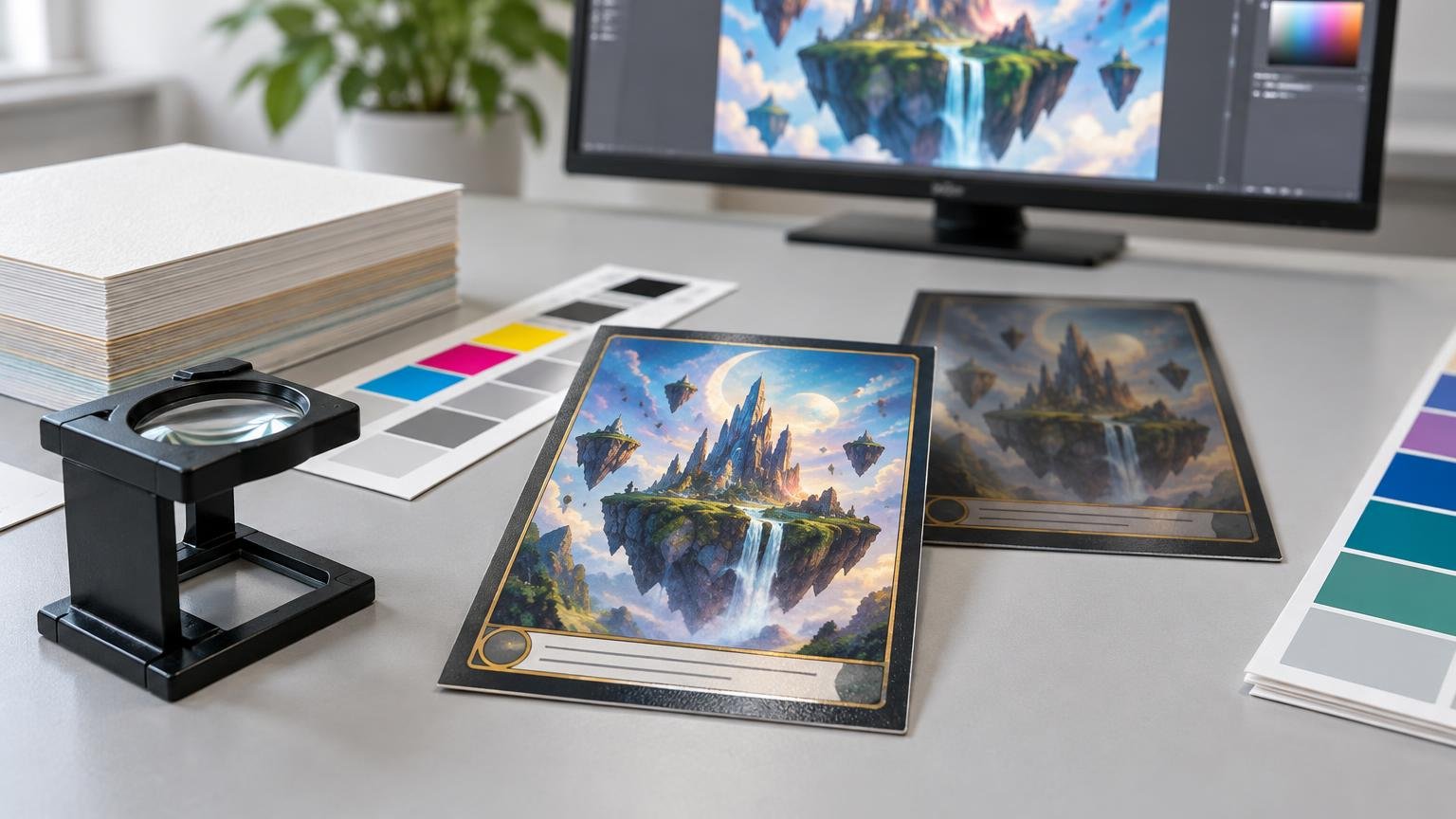
Learn why trading-card artwork changes in print and how to manage profiles, dark colors, small text, proofs, stock, and finish for a more predictable result.
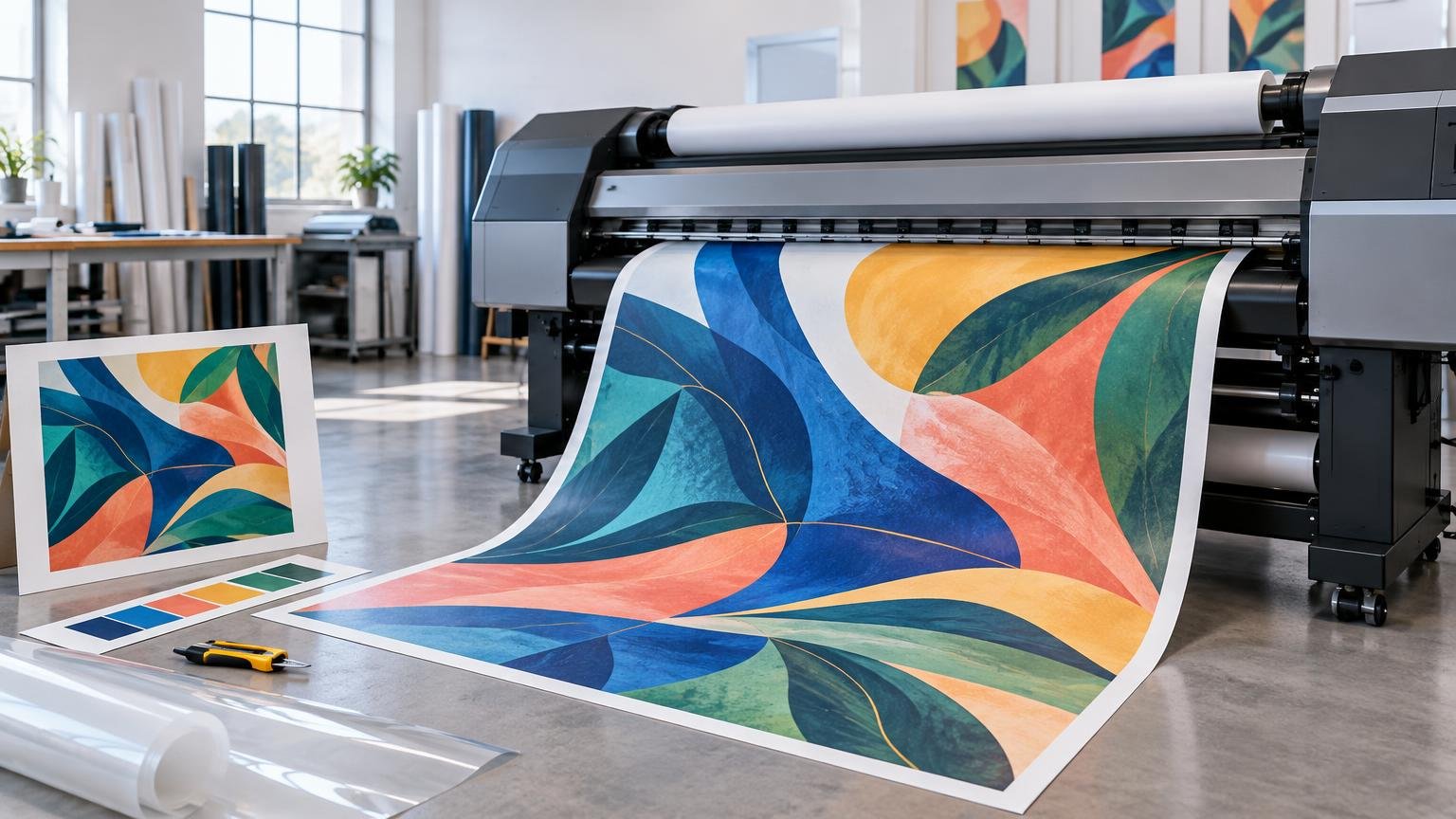
Wide format printing produces signs, displays, decals, wall graphics, and other oversized work. Learn how equipment, ink, media, workflow, and finishing affect the result.
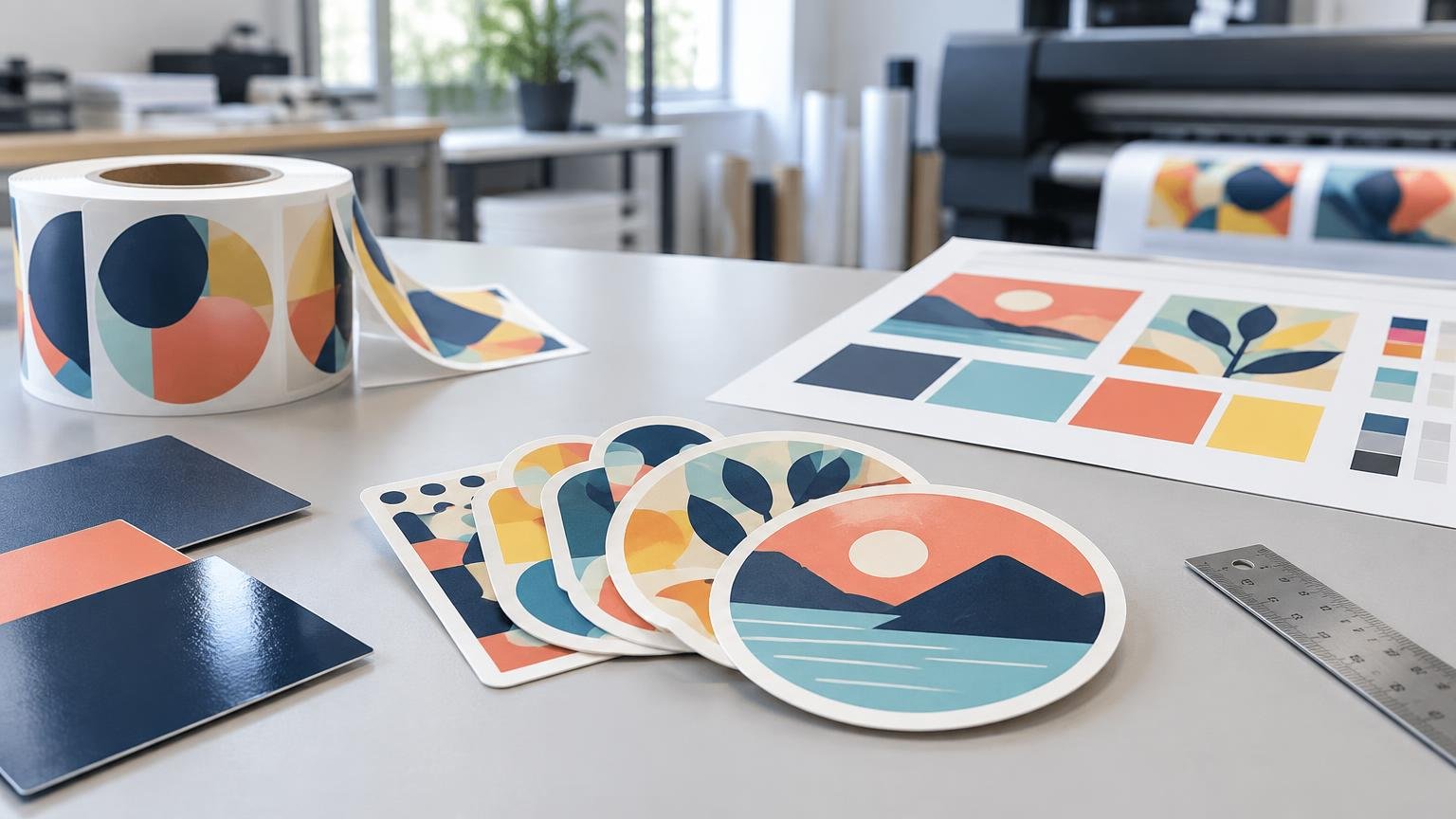
Printiverse physically ordered and evaluated custom stickers from CustomStickers.com. Here is why it earned a strong, carefully scoped recommendation for commercial vinyl-sticker projects.
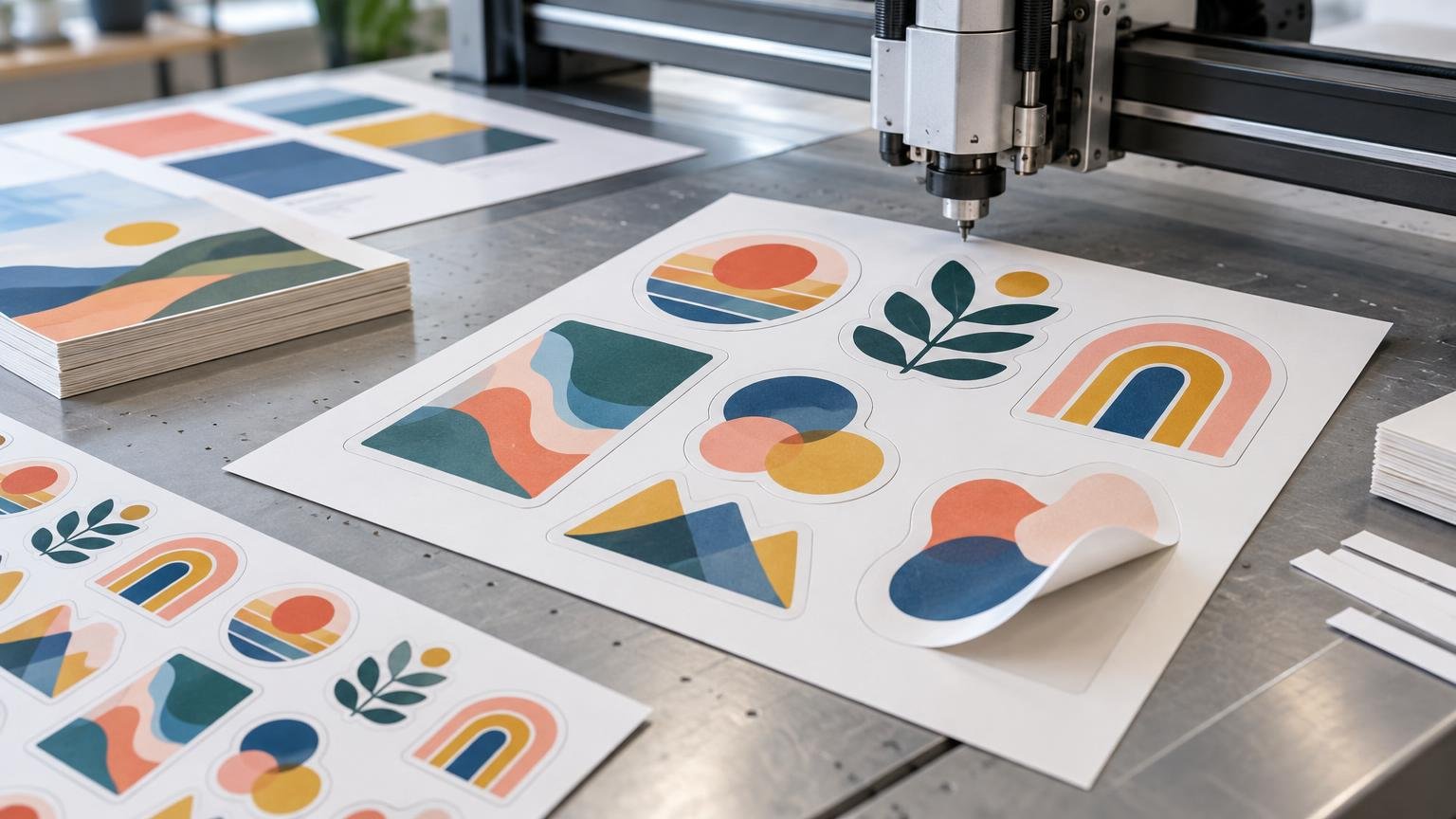
A practical guide to custom-shaped print, covering physical dies, digital cutting, sticker formats, artwork setup, tolerances, proofing, and cost.

Promotional products usually sit within Promotion, but printed pieces can also reinforce product presentation, pricing, and distribution. This guide explains how to choose and measure them.
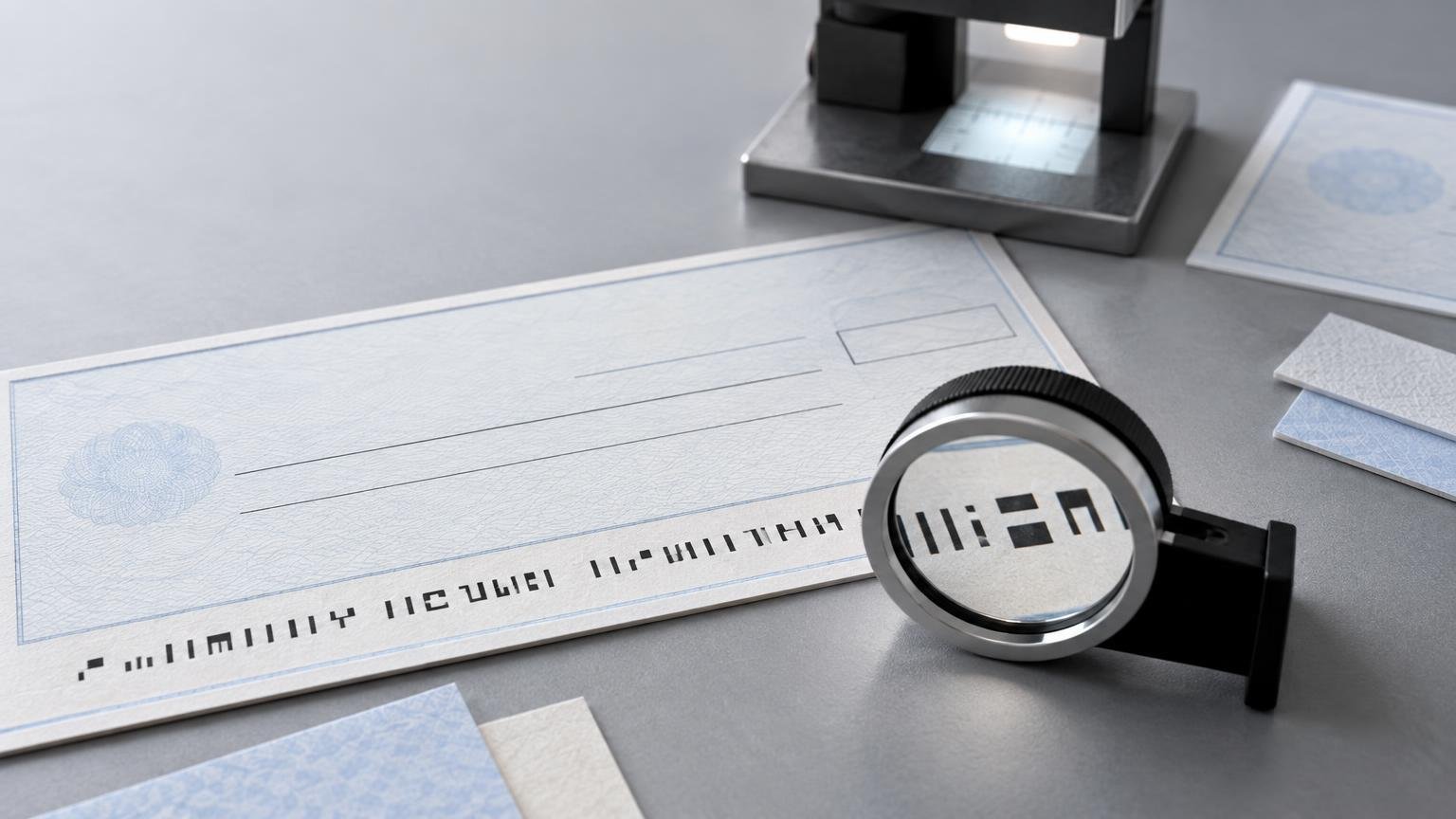
MICR printing produces the machine-readable line on a check. This guide explains its characters, magnetic properties, placement controls, verification, and relationship to check security.
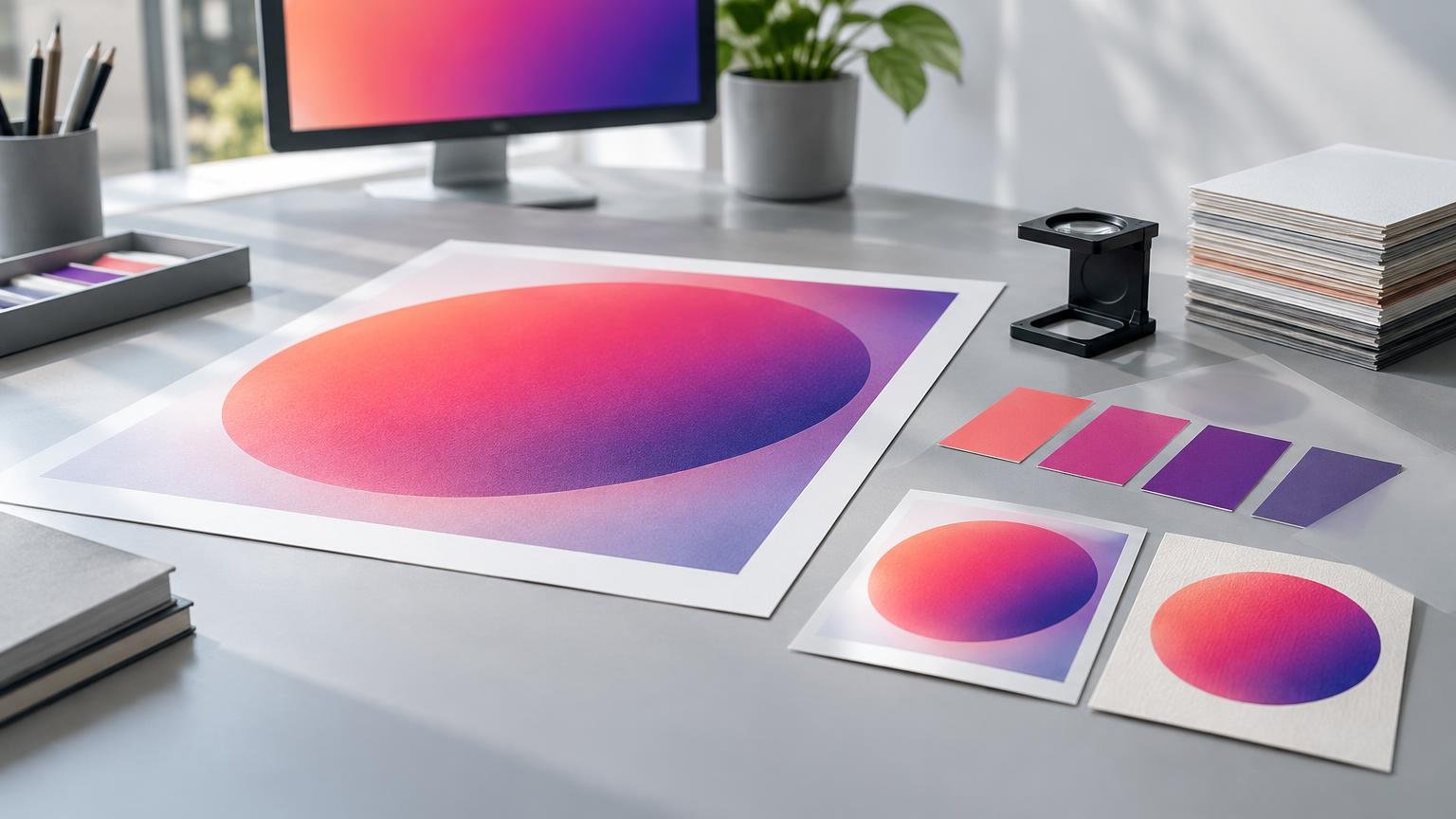
LAB describes a target color independently of a specific press or CMYK recipe. This guide explains how profiles, gamut, substrates, proofing, and process control determine what actually appears in print.
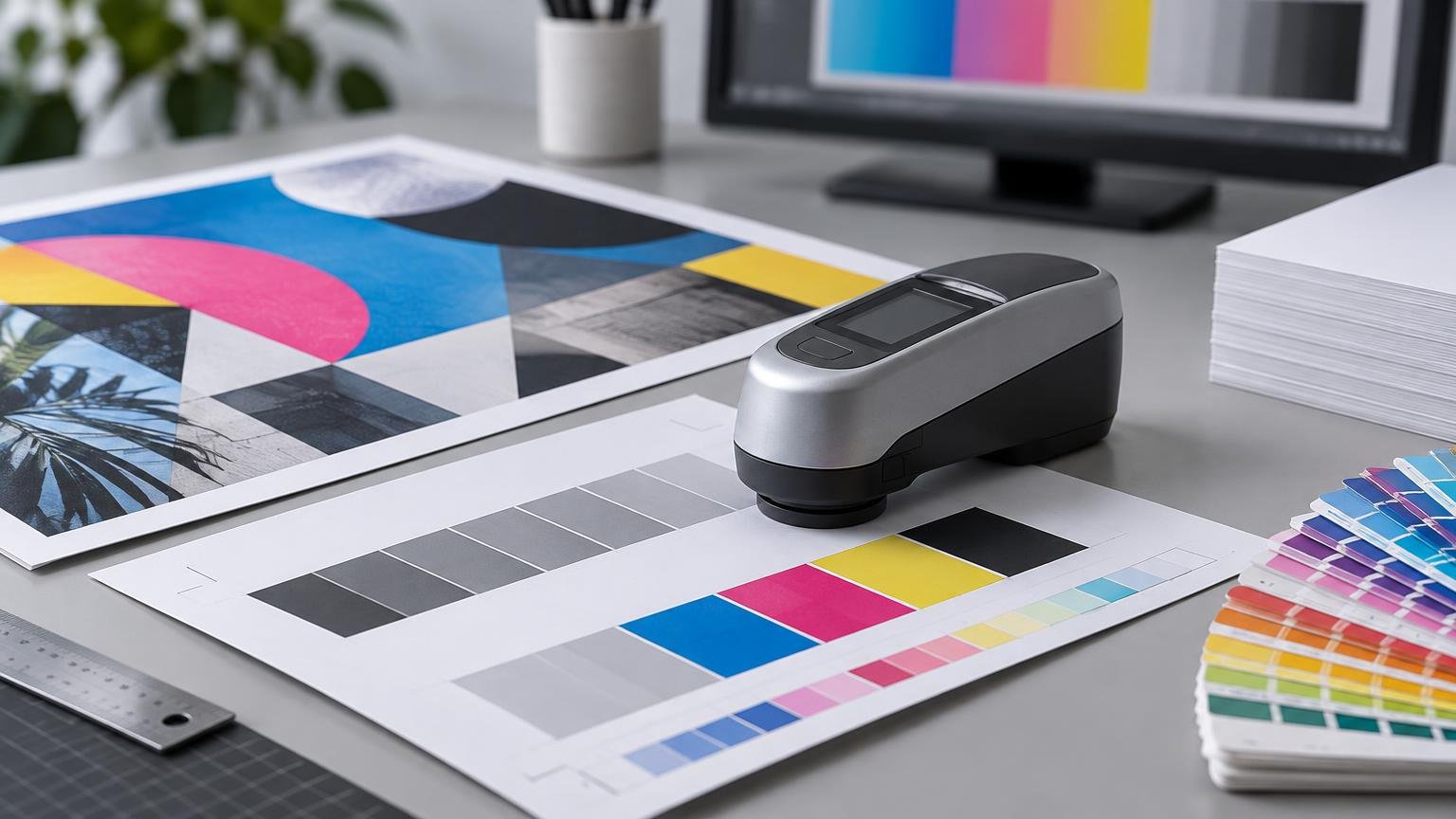
G7 is a calibration methodology, while GRACoL describes a reference print condition associated with commercial sheet-fed offset printing. This guide explains how they work together and what designers, buyers, and operators should verify.
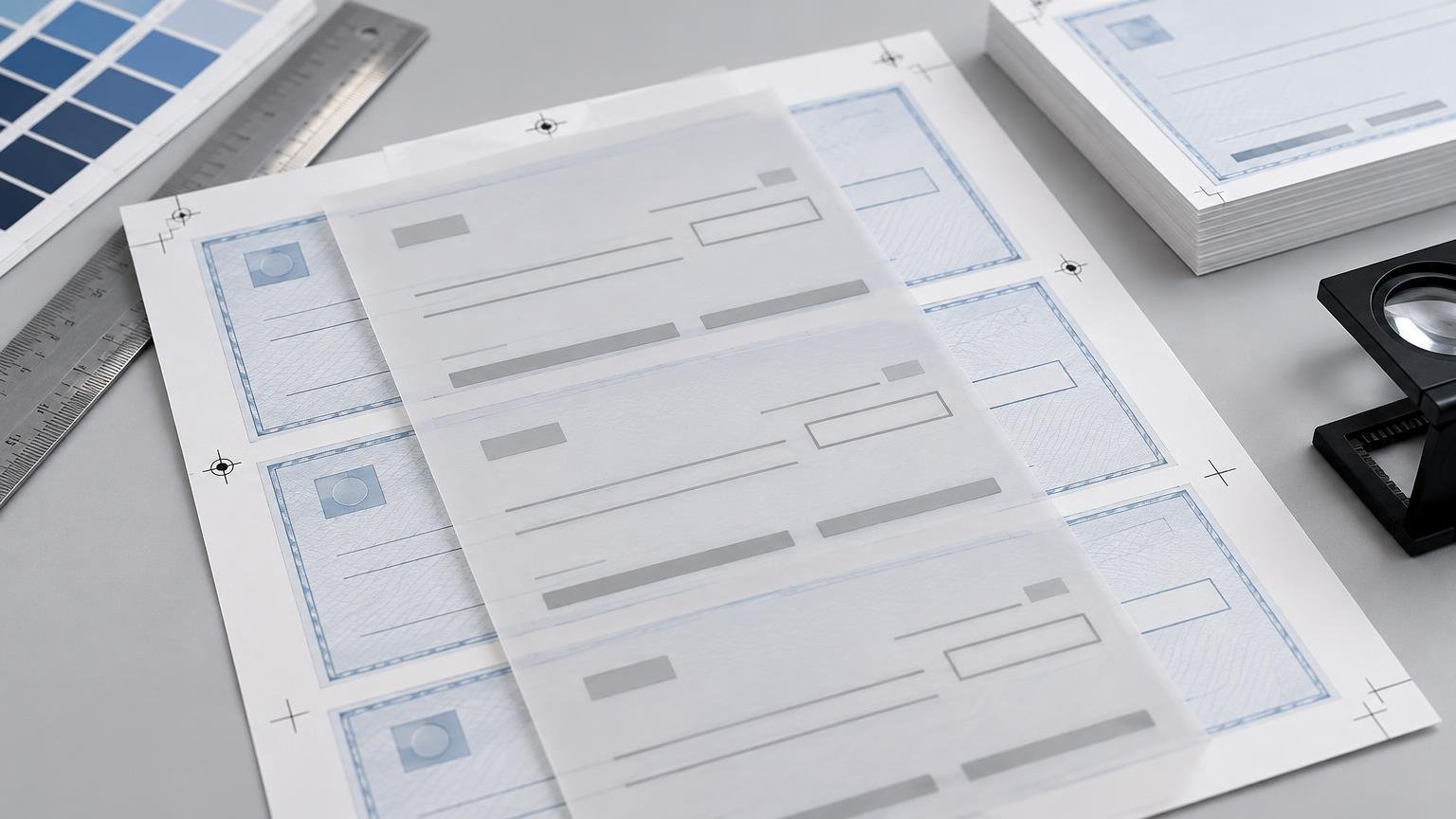
Compatibility is primarily a registration problem: the permanent design on the check stock must align with the variable payment data QuickBooks prints later. This guide explains how to specify, proof, test, and order checks without overlooking format, numbering, printer, or bank requirements.